-
git bash랑 vscode terminal 연동하기git hub 2022. 4. 26. 14:19
이제는 vs code에 연동해서 좀 더 간편하게 사용해보자!!
우선 vs code를 실행 시킨다.
그런 다음 f1 키를 사용하여 검색창을 활성화 시킨다.
그런 다음 preperence open settings(JSON)을 클릭해서 열어준다.
그런 다음 코드를 입력 해 준다.
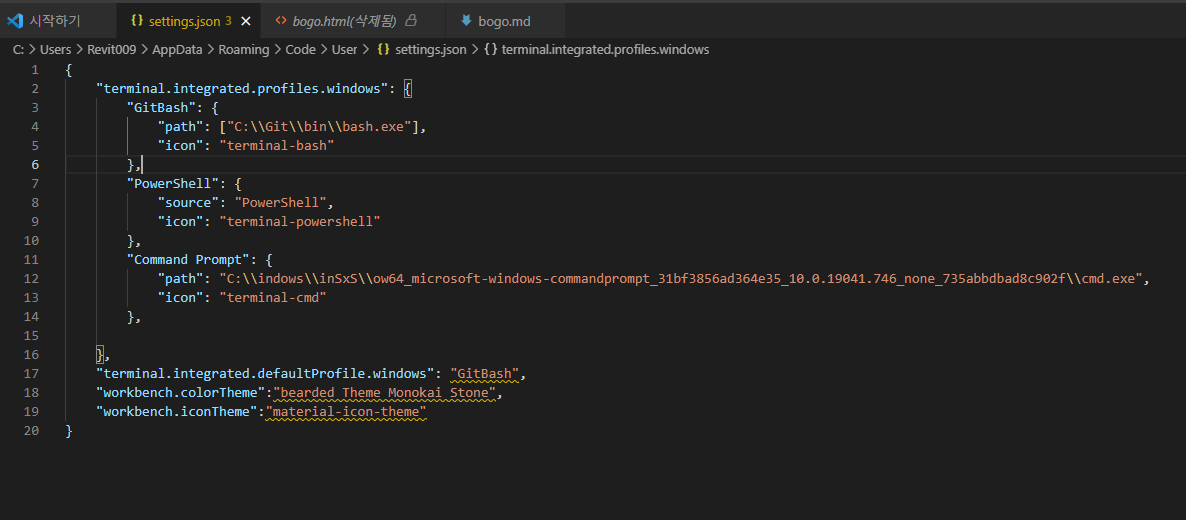
{
    "terminal.integrated.profiles.windows": {
        "GitBash": {
            "path": ["C:\\Git\\bin\\bash.exe"],
            "icon": "terminal-bash"
        },
        "PowerShell": {
            "source": "PowerShell",
            "icon": "terminal-powershell"
        },
        "Command Prompt": {
            "path": "C:\\indows\\inSxS\\ow64_microsoft-windows-commandprompt_31bf3856ad364e35_10.0.19041.746_none_735abbdbad8c902f\\cmd.exe",
            "icon": "terminal-cmd"
        },

    },
    "terminal.integrated.defaultProfile.windows": "GitBash",
    "workbench.colorTheme":"bearded Theme Monokai Stone",
    "workbench.iconTheme":"material-icon-theme"
}
경로만 본인의 경로를 수정해서 입력 해 주면 된다.

vs code 상단에서 터미널을 클릭한다.
여기서도 마찬가지로 add > commit > push 순으로 입력 해 준다.
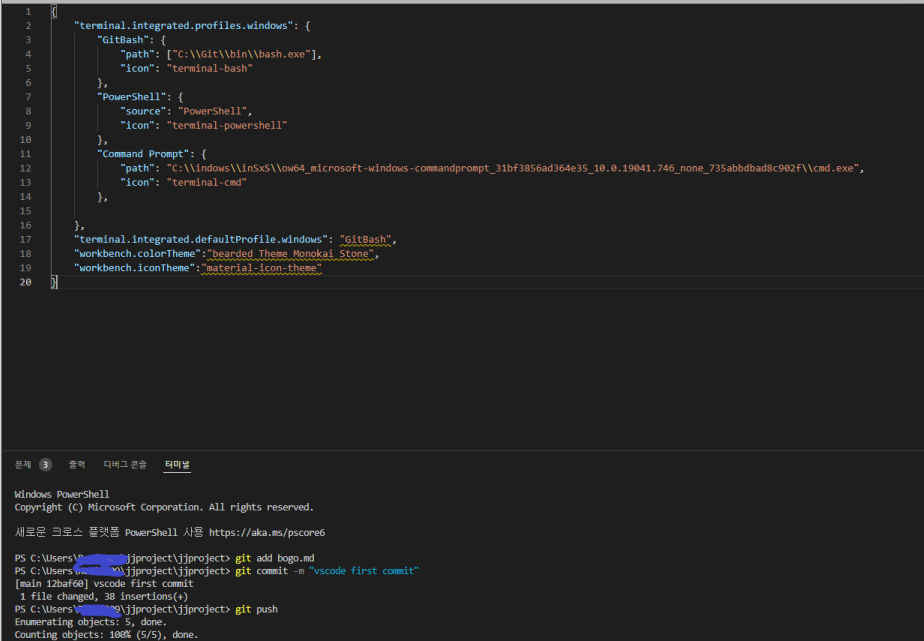
그리고 repository를 확인 해 보면

이렇게 제대로 올라 와 있는 것을 확인 할 수 있다.
'git hub' 카테고리의 다른 글
sourcetree push error 소스트리 푸쉬 에러 (0) 2023.03.15 sourcetree pull error 소스 트리 pull 에러 (0) 2023.03.15 Git Bash로 commit 이랑 push 하기 (0) 2022.04.26 git hub 시작하기 (0) 2022.04.25